
Why an LTL Shipment Has No Tracking Updates
Learn why LTL tracking can stay unchanged, how to verify the active reference, when to escalate, and what details to give the carrier.
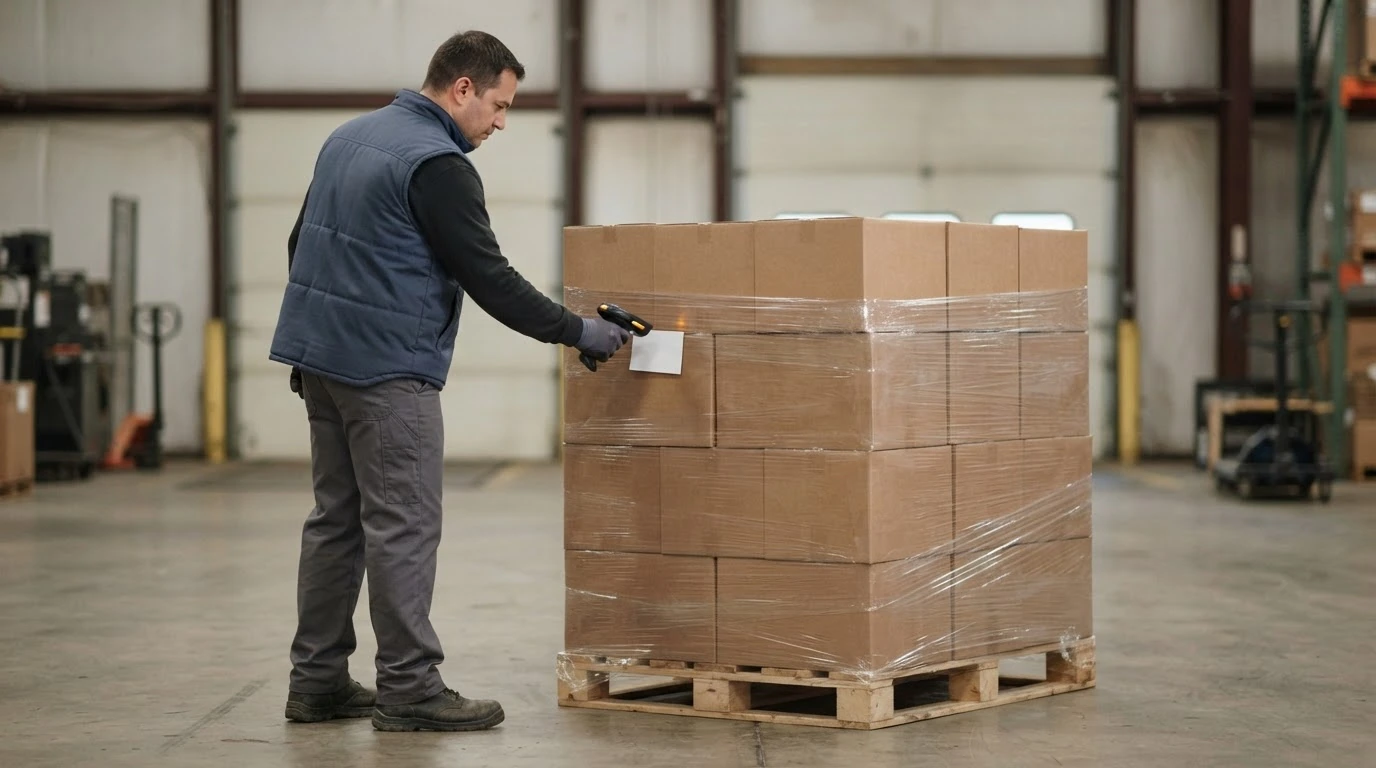
An LTL tracking page can stay unchanged even when the shipment is still progressing. The customer-facing history advances when the carrier records and publishes a shipment event; it is not necessarily a continuous location feed. A quiet page can therefore mean the freight is between reported milestones, the lookup is using the wrong reference, a pickup record has not been linked to the shipment, or an operational exception needs investigation.
Do not guess which explanation applies. Start with the last confirmed event and its timestamp, verify the carrier and tracking number, and check whether the estimated delivery timing or an explicit exception indicates that action is needed. If pickup is confirmed but the carrier cannot find the shipment under the expected reference, or the delivery estimate is at risk, contact the carrier or the provider that accepted the booking.
What an unchanged tracking page does and does not tell you
Carrier tracking pages summarize recorded events. XPO, for example, publishes distinct status definitions for freight at the origin service center, at an interim service center, en route, at the destination service center, out for delivery, and delivered. Other carriers use their own wording and may expose different levels of detail.
That has two practical consequences:
- A status can remain unchanged while the freight travels toward the next reported milestone.
- The same unchanged status can also remain visible while freight is waiting for the next movement or while an exception is being resolved.
The tracking page alone may not distinguish those conditions. Avoid telling a consignee that freight is moving simply because the page says “in transit.” Likewise, do not declare a shipment lost merely because a new event has not appeared.
The last status still provides a useful starting point. A pickup event confirms something different from an origin-terminal event. An origin or interim-terminal event is stronger evidence that the carrier has the freight. An out-for-delivery event shifts the immediate concern to delivery readiness. Read the event description, location, date, and time together instead of relying only on a headline or progress bar.
Verify the tracking reference first
Confirm that the tracking page belongs to the carrier currently responsible for the shipment, then copy the reference directly from the booking confirmation, BOL, label, or shipment record. Do not retype it from memory.
A PRO number is a common LTL tracking reference, but formats and lookup options vary by carrier. XPO describes its PRO as a nine-digit freight-bill identifier. FedEx Freight’s current LTL documentation describes a master tracking number for the first handling unit and child tracking numbers for additional handling units. Estes says its tracking application can accept a PRO, BOL, pickup request, interline PRO, load order, or purchase order number. Old Dominion offers basic tracking and, for logged-in users, searches by PRO, BOL, PO, load, and pickup numbers.
Those are carrier-specific capabilities, not a universal promise that every reference will work in every portal. If one number returns no record:
- Verify every character and any check digit.
- Confirm that the carrier name matches the active shipment record.
- Try another reference only if that carrier’s tool says it accepts that reference type.
- Check whether a multi-handling-unit shipment has master and child numbers.
- Ask the booking provider whether the pickup request and shipment record have been linked.
Estes specifically notes that a pickup can be absent from one history view because it has not occurred yet or because the pickup request number has not been linked to the shipment’s PRO number. That is one carrier’s documented example of why “no result” is not the same as “lost freight.”
Use the last confirmed event to choose the next step
The best response depends on what has actually been confirmed.
| What you can confirm | What the quiet tracking page may mean | Best next step |
|---|---|---|
| A pickup request exists, but there is no pickup-complete or shipment-movement event | The request may still be open, the pickup may have been missed, or the pickup and PRO records may not be linked | Verify whether freight physically left the origin and ask the booking channel for the pickup request’s exact status |
| Pickup is confirmed, but the PRO returns no result | The identifier may be wrong, not yet available in that view, or associated with another shipment or handling-unit record | Recheck the documents and ask the carrier or provider to locate the freight using all accepted references |
| Freight has an origin or interim-terminal event, followed by no new event | It may be between reported milestones, waiting for movement, or affected by an exception not yet clear in the summary | Read the detailed event history and compare it with the latest carrier-provided delivery estimate |
| The page shows an exception, delay, hold, shortage, or appointment-related message | The carrier has published a condition that may require action | Ask what the status means for this shipment, who must act, and whether delivery timing changed |
| The shipment is out for delivery but the consignee has no update | The delivery route may still be in progress, or the stop may require coordination | Keep the receiving contact available and use the carrier’s delivery or service-center channel |
| Delivery is shown as complete but the consignee cannot locate the freight | The issue is no longer a routine update gap | Ask for the delivery details and proof-of-delivery record, then follow the carrier’s discrepancy process |
If the first row applies, use the recovery steps in What to Do When a Carrier Misses Pickup rather than repeatedly refreshing a shipment page that has no confirmed pickup event.
Know when a quiet status deserves escalation
There is no carrier-independent number of hours that automatically proves a problem. Route length, terminal pattern, weekends, holidays, service type, delivery appointments, weather, and the carrier’s own reporting process can all affect when the next event appears. Use shipment-specific evidence instead of a universal countdown.
Escalate when any of these conditions applies:
- the carrier’s current delivery estimate is approaching or has passed and the last event does not explain the timing;
- an exception, delay, shortage, hold, appointment, or attempted-delivery message appears;
- the carrier cannot find a confirmed pickup under the expected PRO or another accepted reference;
- the consignee needs an appointment or operational lead time that the current information no longer supports;
- the freight is deadline-sensitive and the available status is too old or incomplete to support the receiving plan; or
- different carrier, broker, or internal records contradict one another.
Contact the carrier directly when the shipment was booked direct. When it was booked through Shipocity or another provider, start with that booking channel so the investigation stays attached to the original transaction. If another carrier is performing part of the movement, ask which party currently owns the status request instead of contacting several companies with conflicting instructions.
Bring a complete trace packet
A useful status request is specific. Have these details ready before calling or sending a message:
- carrier name and service;
- PRO number and any master or child tracking numbers;
- BOL, pickup request, purchase order, or shipper reference accepted by the carrier;
- origin and destination names, cities, states, and ZIP codes;
- confirmed pickup date and approximate time;
- handling-unit and piece counts;
- total weight and commodity description;
- last visible status, location, date, and time;
- current estimated delivery date or appointment information; and
- the exact operational question you need answered.
Ask the representative to confirm the last physical event in the carrier’s system, the terminal or service center responsible for the next event, whether an exception or action item exists, and whether the delivery estimate has changed. Record the response, time, contact channel, and any case or trace number. If you are told to wait for another event, ask what event should appear and when you should follow up if it does not.
Do not manufacture a cause in customer communications. A concise update such as “the carrier is tracing from the last confirmed terminal event” is more accurate than saying the truck is moving, the terminal is congested, or the freight missed a connection without confirmation.
Avoid actions that make the record harder to follow
Do not create a replacement shipment, tender the same freight to another carrier, or print a new set of labels solely because tracking is quiet. First establish whether the original shipment is active and whether the freight has already been collected. Duplicate requests and competing labels can make the physical and digital records harder to reconcile.
Do not treat an estimated delivery date as a guaranteed commitment unless the specific service terms say it is guaranteed. If the current estimate changes, update the consignee with the carrier-confirmed information and preserve the earlier record rather than promising a date based on the original quote.
Finally, do not overlook a reference mismatch. The correct shipment can appear inactive when a user is searching a pickup number in a PRO-only field, a master number instead of a handling-unit number, or a BOL in a portal that does not support that lookup. Carrier tools differ, so follow the instructions for the carrier handling the freight.
Plan the next shipment with cleaner handoff details
The reliable way to handle a tracking gap is to identify the last confirmed event, validate the active reference, assess the shipment-specific delivery risk, and escalate with a complete trace packet when the record is missing, contradictory, or actionable.
Shipocity is backed by a team with more than 40 years of combined logistics experience. Through established industry relationships, the platform helps businesses compare competitive freight rates for their specific shipment.
For the next move, gather the origin and destination ZIP codes, final packaged dimensions and weight, commodity description, freight class when known, pickup and receiving constraints, and required services. Get a quote for your next shipment.