Freight Class 70 Explained
Freight Class 70 sits in the lower-cost portion of the NMFC's 18-class LTL system. Learn how it is assigned under Docket 2025-2 and what details to gather before quoting.
Freight class 70 is one of the 18 classes in the National Motor Freight Classification. For a commodity that uses NMFTA’s standard full-density scale, class 70 corresponds to packaged density of 15 pounds per cubic foot but less than 22.5 pounds per cubic foot.
That range is not a stand-alone class calculator. A shipment in the range is class 70 only when the applicable NMFC item, subprovision, shipping form, packaging rules, notes, and effective date support that result.
Freight class 70 at a glance
| Question | Answer |
|---|---|
| Where is class 70 in the system? | It is one of 18 NMFC classes, which range from 50 to 500. |
| What is its full-density band? | 15 to less than 22.5 lb/ft³. |
| Which subprovision is it on the standard 13-subprovision scale? | Subprovision 9. |
| Does every shipment in that density range qualify? | No. The applicable NMFC item must use that provision. |
| Does class 70 determine the final price? | No. Class is one input among the shipment and pricing terms used for a quote. |
The lower and upper boundaries are exact. A density of 15 pounds per cubic foot enters the class 70 band. A density of 22.5 pounds per cubic foot does not remain in it.
What freight class represents
NMFTA describes freight class as the common language carriers and shippers use to compare the transportability of commodities. The system evaluates four characteristics:
- Density: the freight’s weight relative to the space it occupies
- Handling: how easy or difficult it is to move
- Stowability: how effectively it can be placed with other freight
- Liability: risks related to damage, theft, perishability, or harm to other freight
NMFTA’s current classification policies state that density has prime importance when a commodity does not exhibit unusual or significant handling, stowability, or liability characteristics. Those commodities may use the standard full-density scale, including the class 70 band.
Other items may have provisions influenced by one or more of the remaining characteristics. This is why a density result alone cannot establish the official class.
Class 70 is not a generic product list
Online charts often pair freight classes with example products. Those examples can be misleading because the same broad product name may cover different materials, forms, packaging, or NMFC items.
Instead of asking whether a product “looks like class 70,” identify:
- What the commodity is made from
- Its actual form and use
- How it is packaged and tendered
- Whether it is assembled, disassembled, nested, knocked down, or otherwise described by an NMFC provision
- The current item and subitem that match those facts
Do not reuse a class simply because a similar product shipped under it previously. Product design, packaging, or NMFC content may have changed.
How to determine whether class 70 applies
Use a classification sequence rather than starting with a density chart.
1. Describe the commodity precisely
Avoid a broad description when material, form, or use changes the applicable item. The shipping description should match what is actually tendered.
2. Find the current NMFC item
Use current NMFC content in ClassIT+ or qualified classification assistance. Review the item, subitems, notes, references, packaging requirements, and any symbols associated with the result.
3. Confirm that the item uses density
If the applicable provision uses the standard full-density scale, identify the correct range. If it does not, do not force the shipment into class 70 based on density.
4. Calculate packaged density
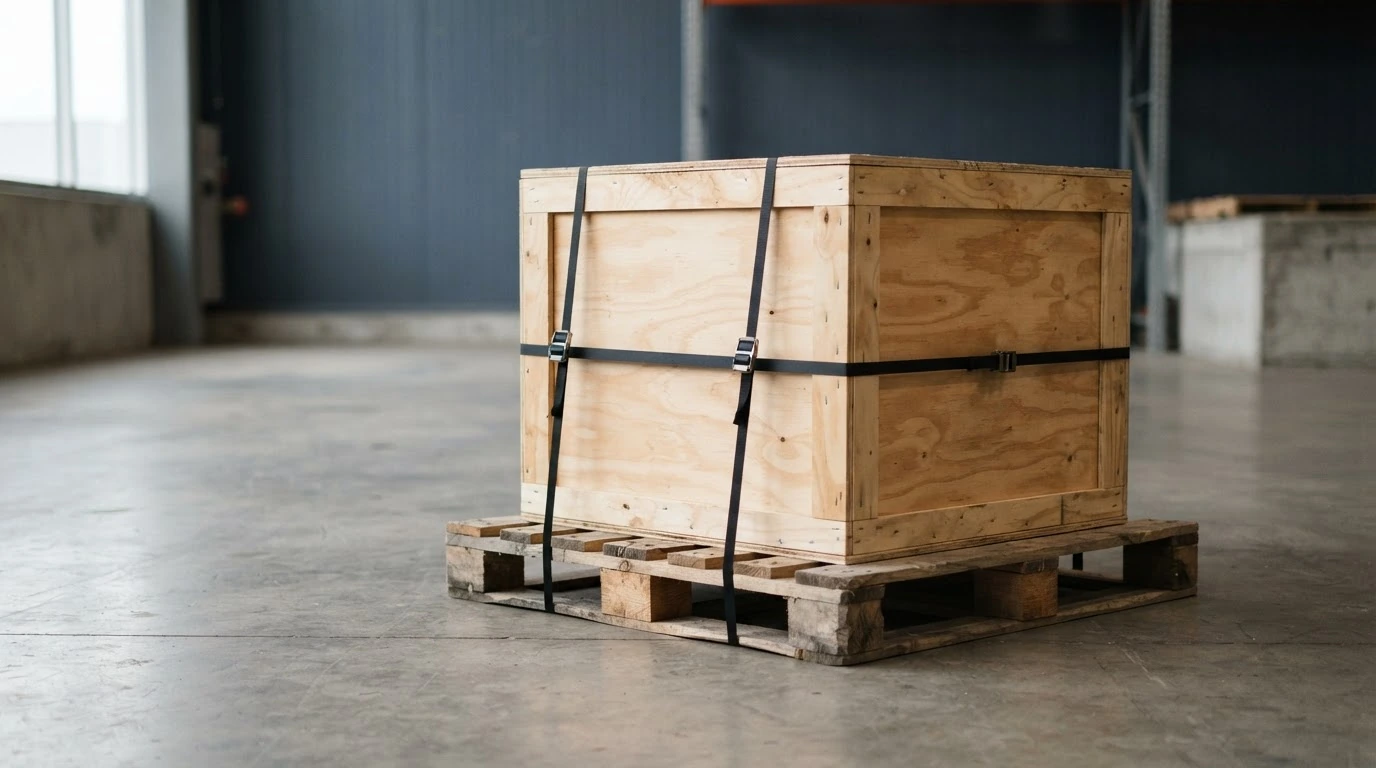
Measure the complete handling unit and use its packaged weight. Include the pallet, crate, carton, wrap, cushioning, and projections in the outside dimensions and weight.
5. Check the date
Classification content changes. Save the lookup date and confirm that the provision applies when the shipment is tendered.
6. Review other governing terms
NMFTA describes the NMFC as a voluntary standard. Applicable carrier tariffs, exceptions, and customer pricing agreements may also affect how the shipment is rated.
How packaged density is calculated
When the outside dimensions are recorded in inches:
- Multiply length by width by height to find cubic inches.
- Divide by 1,728 to convert cubic inches to cubic feet.
- Account for the number of handling units.
- Divide total packaged weight in pounds by total cubic feet.
NMFTA’s ClassIT+ density calculator follows this method. Its instructions also say the calculator is for estimation and reference only and does not suggest an item’s class.
That limitation is important. The calculator can show whether the packaged density falls between 15 and less than 22.5 pounds per cubic foot. It cannot confirm that the correct commodity item uses the class 70 provision.
Measurements that can change the result
Density should describe the handling unit that the carrier receives. Recalculate when:
- The pallet is rebuilt or its height changes
- A different box, crate, or cushioning system is used
- Product is added or removed
- Freight overhangs the pallet
- Separate handling units have different dimensions or weights
- The stored measurements came from an older packaging configuration
Keep the measurements and weight with the shipping record. If a carrier later reports different dimensions, weight, or class, those contemporaneous records give you a clear basis for review.
How class 70 affects a quote
Class 70 can affect the rate basis when it is the applicable class, but it does not determine a universal price per hundredweight. The final quote can also depend on:
- Origin and destination
- Total weight and handling-unit count
- Carrier pricing and minimum-charge provisions
- Discounts and fuel treatment
- Pickup and delivery services
- Other applicable rules or exceptions
Do not assume that a class 70 offer from one carrier must cost more or less than an offer from another carrier using a different class or pricing structure. Compare complete shipment-specific quotes built from the same inputs.
An invoice can also differ from a quote without a class change. Corrected weight, dimensions, accessorial services, minimum charges, or other pricing terms may change the total. Review the line items before treating every difference as reclassification.
Avoid common class 70 mistakes
- Choosing class 70 from a generic commodity example
- Using an old density chart without an effective date
- Measuring the product instead of the complete packaged handling unit
- Rounding a result across the 15 or 22.5 boundary
- Assuming the density calculator supplies an official class
- Ignoring item-specific packaging, notes, or references
- Carrying a stored class forward after the product or packaging changes
- Comparing class numbers without comparing the complete quote terms
What to gather before requesting a rate
Prepare these details before comparing freight options:
- Origin and destination ZIP codes
- Number and type of handling units
- Outside packaged length, width, and height for each unit
- Total packaged weight
- Precise commodity description
- NMFC item and freight class, when verified
- Pickup timing
- Required pickup and delivery services
If the class is not yet verified, do not disguise uncertainty with a guess. Resolve the commodity lookup or seek classification assistance before booking.
Compare a shipment-specific rate
Shipocity is backed by a team with more than 40 years of combined logistics experience. Through established industry relationships, the platform helps businesses compare competitive freight rates for their specific shipment.
Once the commodity, packaged dimensions, weight, class, lane, and required services are ready, enter those details to compare the freight options available for the shipment.
Enter your freight details and price the shipment